
Fix Make Iterator "Array empty" when the source has items
Make Iterator shows Array empty despite source items? Compare a full scenario run with an isolated module test, then check input and array mapping.

TL;DR: When Make Iterator shows Array empty despite source items, compare a full scenario run with an isolated module test and inspect the array actually passed into the Iterator.
A source bundle containing an array does not prove that a separate Iterator test received it. Start by recording how the test was launched and which run produced the source output; that distinction often explains apparently contradictory screenshots.
What should a Make Iterator receive and return?
Make's Iterator documentation describes a module that converts an array into separate bundles. Its Array field must receive the array itself. Passing a collection that contains the array, or a text value that names the field, gives the module different input from the list you intend to split.
For a simple test, use an array with two recognizable objects and check that each output carries one object. Choose values that make missing or repeated items obvious, such as invoice references TEST-A and TEST-B. Keep later write modules disconnected while diagnosing the data path.
{
  "items": [
    {"reference": "TEST-A", "amount": 10},
    {"reference": "TEST-B", "amount": 20}
  ]
}
In this example, map items to the Array field. The surrounding object provides a named container; the two objects inside items are what the Iterator should process. This distinction becomes harder to see when a vendor module returns several nested collections.
Was the Iterator tested alone or in the connected scenario?
The reported empty Iterator case includes source items, a mapped field, and questions about isolated testing. A reply points out that running a module on its own requires manually providing its input. Treat that as a diagnostic branch, rather than proof that every empty Iterator has the same cause.
Run the connected source-to-Iterator path with a known sample. Then open the Iterator's input for that exact execution and expand its Array value. Compare it with the preceding module's output from the same execution. Historical output from a source-only test can show valid items even when a later isolated test supplies nothing.
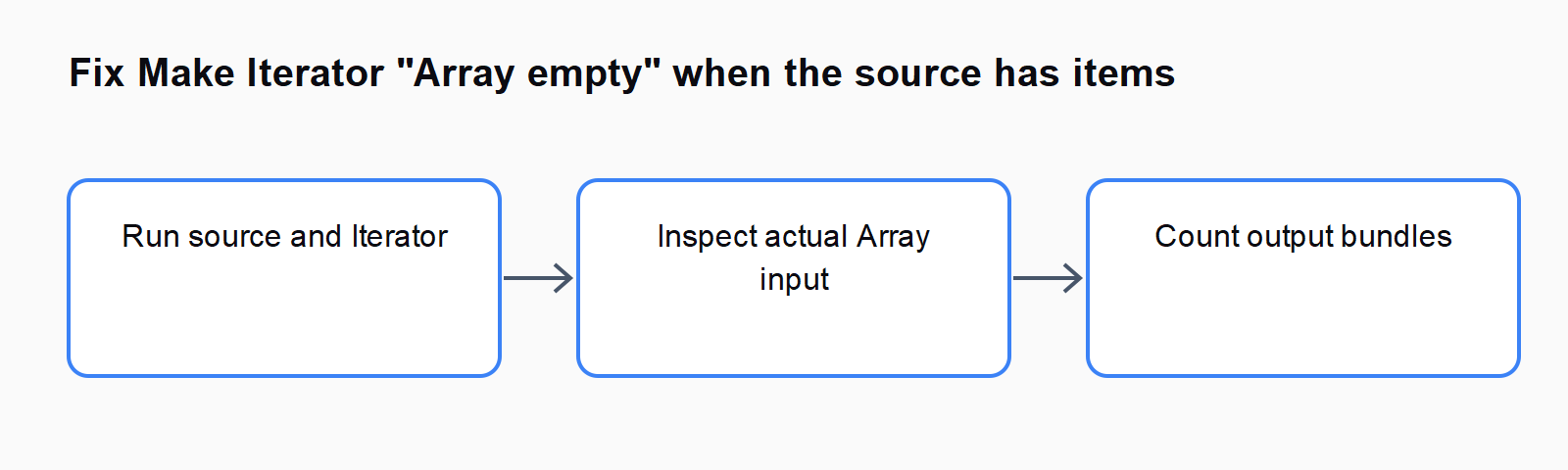
If the connected run works and only the isolated test fails, provide the test input explicitly or use connected runs for this check. If both fail, continue with mapping and route inspection. Record the failing input before replacing modules, since a rebuilt module can obscure which reference originally resolved incorrectly.
How do you check that the mapped field is an array?
Open the source output and locate the full path to the array. Match that path to the Iterator's Array mapping. A field named items can sit inside another collection, and a visually similar field in a different module may be empty for this run.
Remove an uncertain mapping and select the actual array from the mapping panel. Do not infer the value from a pill's displayed label alone. After deleting or rebuilding upstream modules, check which module the token now references. Re-selecting a token is a troubleshooting step; it does not establish that Make renumbering caused the original failure.
If the source returns JSON as text, parse it before trying to iterate a nested array. If the field contains one collection instead of a list, decide whether you intended one object or multiple objects. Adding an Iterator cannot create missing records, and increasing a result limit cannot fix a mapping to the wrong field.
Why can the mapping panel hide item fields?
Make documents a separate schema-learning problem: when an upstream module has not supplied an output structure, downstream mapping may expose only bundle count and position. This is common with a Parse JSON module or a webhook that lacks a data structure. It is different from a runtime Array value that is genuinely empty.
Use a representative sample to let the upstream module learn its structure, then revisit the mapping. The vendor recommends running the relevant module or scenario for this purpose. Limit the test route to read-only steps when the remaining scenario creates documents, sends messages, or modifies customer data.
After learning the structure, confirm the mapping against actual input again. A populated mapping panel describes available fields, while the execution inspector shows the values supplied in one run. Both checks matter when a source sometimes returns no records or uses a different response shape on an empty result.
How do you prove that each item is processed once?
Compare the source array length with the Iterator's output bundles for the controlled sample. Inspect the references in those bundles, rather than relying only on the total. A later filter may remove some bundles, so inspect immediately after the Iterator before checking a destination such as Google Sheets.
Repeat with an empty result and a single-item result. Decide what the scenario should do in each case and confirm that downstream steps behave accordingly. Once the read-only test passes, reconnect write modules and use a disposable record for the final end-to-end check.
For nearby failure paths, compare Make scenario won't trigger: 7-step webhook diagnosis and How to fix Make's Retry error handler (formerly Break) not triggering.
FAQ
Why does the source show items while Iterator shows nothing?
The outputs may come from different tests, or the Iterator may reference a different field. Compare source output and Iterator input from the same connected execution.
Will running the source module alone populate every later test?
Do not assume it will supply input to an isolated Iterator test. Check the isolated-run dialog and provide the required sample input.
Does a single source bundle mean there is only one item?
No. One source bundle can contain an array of multiple items. Inspect the array contents, then check the Iterator outputs.
Where are other Make mapping errors listed?
The Automation Error Index provides related guides for Make and other automation tools. Match the actual input symptom before applying a fix.